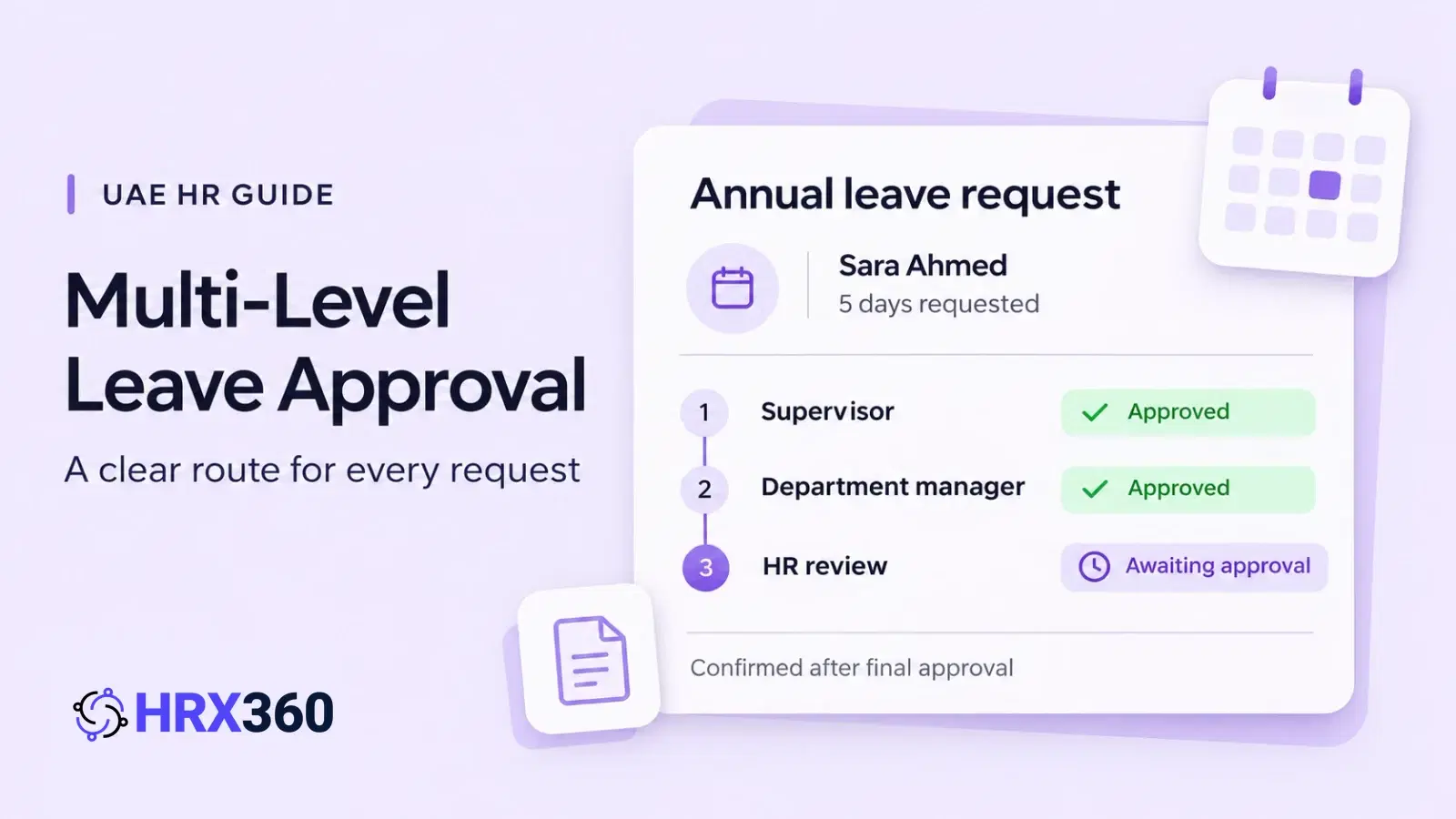
A leave request looks simple until three people have to agree to it. The supervisor says yes, the operations manager is travelling, HR finds out when the employee is already at the airport, and the balance was two days short all along. Multi-level approval is meant to prevent exactly that, and in many UAE companies it is the reason requests take a week.
This guide explains how multi-level approval should work for leave in a UAE company: what the law does and does not say, how many levels each group of staff needs, a worked routing example for a 40-employee business, and what to do when an approver simply does not answer. It ends with how the same workflow is set up in leave management software.
What is multi-level leave approval?
Multi-level leave approval is a workflow in which a leave request passes through two or more approvers in a fixed order, such as the supervisor, then the department manager, then HR. Each level sees the request only after the level before it approves. The leave is confirmed, and the balance reduced, when the final level approves.
Each level should answer a different question. If two levels are answering the same question, one of them is not needed.
The line manager or supervisor: can the team cover this absence on these dates?
The department or operations manager: does it clash with other leave, a project deadline or a site handover that the supervisor cannot see?
HR: is there enough balance, is the leave type right, and does the request follow the policy (probation, notice, documents)?
A rejection at any level ends the request, with a reason the employee can read. That is the other half of the design: the employee should never have to ask where the request is or why it stopped.
Does UAE law say who must approve leave?
No. Federal Decree-Law No. 33 of 2021 sets leave entitlements and a few notice rules, but it does not say who approves a request or how many approvals are needed. The approval chain is company policy. What the law does expect is that leave is recorded and that the employer can show what was agreed.
Two points in the law shape how an approval workflow should behave:
Annual leave dates (Article 29). The employer may fix the dates of annual leave according to work requirements and in agreement with the employee, and must tell the employee the dates at least one month in advance. A workflow that leaves a request undecided for weeks works against that.
Sick leave (Article 31). The employee must notify the employer of the illness within three working days and provide a medical report. Sick leave is reported, not requested in advance, so it should not wait behind a three-level chain built for annual leave.
For the entitlements themselves, see the types of leave in the UAE. This article is general guidance and not legal advice; check your own policy against the decree and its executive regulations.
How many approval levels does a company need?
As few as answer the real questions. For most UAE companies under 100 employees that is two levels for office staff (line manager, then HR), three for site, warehouse and shift teams where cover is planned above the supervisor, and one for department heads. A level that never rejects anything is a delay, not a control.
| Chain | Approvers, in order | Fits | Watch for |
|---|---|---|---|
| One level | Line manager | Small teams where the manager also knows the leave balance and the policy | Nobody checks the balance or the policy before the leave is confirmed |
| Two levels | Line manager, then HR | Most office teams: the manager answers for cover, HR answers for balance and policy | HR becomes a queue if it has to approve every single-day request |
| Three levels | Supervisor, then operations or department manager, then HR | Sites, warehouses and shift teams where cover is planned above the supervisor | Each extra level adds waiting time, so requests need to be made earlier |
A simple test for any level: over the last year, how many requests did this person reject or change? If the answer is none, they need to be informed about leave, not asked to approve it.
Who should be in the approval chain? A worked example
Give each group of staff its own chain instead of one chain for the whole company. In the 40-employee example below, office staff have two levels, warehouse staff three and department heads one. Counting decisions, not requests, shows the cost: 160 requests a year need 360 approval decisions.
Illustrative trading company, 40 employees, four leave requests per employee per year:
| Group | Employees | Level 1 | Level 2 | Level 3 | Requests a year | Decisions a year |
|---|---|---|---|---|---|---|
| Office staff | 14 | Line manager | HR officer | None | 56 | 112 |
| Warehouse staff and drivers | 18 | Supervisor | Operations manager | HR officer | 72 | 216 |
| Department heads | 6 | General manager | None | None | 24 | 24 |
| HR officer and general manager | 2 | Their own manager (general manager or owner) | None | None | 8 | 8 |
| Total | 40 | 160 | 360 | |||
If the same company put everyone on the three-level chain, the 160 requests would need 480 decisions instead of 360. That is 120 extra approvals a year, every one of them a place where a request can wait. The warehouse chain keeps its three levels because the operations manager plans cover across shifts; the office chain does not need them.
Three rules sit behind the table:
Nobody approves their own leave. A department head's request goes to the general manager, and the HR officer's request goes to the person HR reports to, not back to HR.
HR approves last, not first. There is no point checking the balance on a request the supervisor is about to refuse. Put the cover question first and the policy question last.
Set notice to match the chain. If each level usually answers within one working day, a three-level chain needs three working days. Ask warehouse staff to apply for annual leave earlier than office staff, and say so in the policy.
What happens when an approver does not respond?
Decide it before it happens. There are three workable answers: remind the approver automatically at a set interval, let a named HR user step in and decide, or approve the request automatically after a set number of days. Most companies use reminders for everyone and keep the HR override for urgent cases.
Reminders. An email to the approver every 24 or 48 hours, up to a maximum number, clears most stalled requests. The approver was not refusing; they had forgotten.
HR override. When the approver is on leave or unreachable, an HR user with the right to authorise leave decides in their place. The decision should carry a comment saying why HR stepped in.
Auto-approve. Approving after, say, five days of silence keeps requests moving, but it means silence counts as yes. Use it where an absence is easy to cover, and leave it off where a missing person stops a shift.
Whichever you choose, the employee should be able to see whose turn it is. A request that shows “waiting for level 2” with a name beside it produces far fewer messages to HR than a request that only says “pending”.
What are the common mistakes in a leave approval workflow?
The common failures are one long chain for every employee, approvers who can approve their own leave, HR placed first so balances are checked on requests that are later refused, no rule for approvers who are away, and approvals given by message or phone that never reach the leave record or the payroll.
One chain for all. The general manager ends up approving a single sick day for a driver they have never met.
Approvals outside the record. A yes on a messaging app is not in the leave balance. The mismatch surfaces months later, at the leave year close or in a final settlement.
Sick leave in the annual leave chain. The employee is already absent. The workflow should record the absence and collect the medical report, not ask three people for permission.
Rejections without a reason. The employee re-applies with the same dates, and the chain starts again.
Chains that name people who have left. When an approver resigns or moves department, every chain they sit in has to be updated the same day.
Approved leave that never reached the record is also one of the items to clear in the year-end payroll and leave close.
How does multi-level approval work in HRX360 for UAE companies?
HRX360 has two approval modes. Line Manager sends each request to the employee's reporting manager. Approval Flow routes it through an Approval Matrix: a named chain of approvers at level 1, 2, 3 and so on, assigned to each employee. The request moves level by level, and the days are deducted only at final approval.
How the pieces fit together:
Named approval chains. In Settings, under Leave Setup, you add an Approval Matrix, give it a code and a name, add the approvers and set the level of each one. The four groups in the example above would be four matrices.
Assigned per employee. Each employee is given a matrix on their employee record. An employee with no matrix assigned is routed to their reporting manager, so nobody is left without an approver.
Only the current approver sees the request. It appears for the level 1 approver first and for level 2 only after level 1 approves. The request timeline shows who approved what and when.
Approve from the employee app. The approver a request is routed to can open it, read the dates, day count and reason, and approve or reject it from the employee app, without waiting to be at a desk.
Reasons on rejection. A comment is optional when approving and required when rejecting, and the employee sees it. Email notifications go to the next approver and to the employee.
One Inbox for approvers. Leave requests, job changes and employee document submissions waiting on you sit in a single list, filtered to what your permissions allow.
Reminders and auto-approve, if you want them. Both are off until you switch them on. For reminders you set the hours between emails and the maximum number; for auto-approve you set the number of days a request may stay pending.
HR can step in. HR users who hold the right to authorise leave can decide a request when the routed approver cannot.
The same Approval Matrix can be reused for job changes such as promotions and transfers, once approval for job changes is switched on, so a chain is built once and not per process.
Leave approvals are part of HRX360's leave management software, with requests and approvals in the employee self-service app, inside HR software built for the UAE. If you are still running leave on a spreadsheet, see Excel versus leave management software.
Give every request a clear route and a clear owner
HRX360 routes each leave request to the right approvers in order, lets them decide from the employee app and keeps the full approval history on the record. Leave and approval workflows are on every plan, from AED 6 per employee per month on Standard, billed annually from a 10-employee minimum. Prices exclude 5% VAT.
Frequently asked questions
What is multi-level leave approval?
It is a leave approval workflow in which a request passes through two or more approvers in a fixed order, for example the supervisor, then the department manager, then HR. Each level sees the request only when the level before it has approved, and the leave is confirmed when the last level approves.
Does UAE labour law require more than one person to approve leave?
No. Federal Decree-Law No. 33 of 2021 sets leave entitlements and some notice rules, but it does not say how many people must approve a request. The number of approval levels is a company policy decision, and it should be written into your leave policy.
How many leave approval levels should a company have?
Most UAE companies under 100 employees need one or two levels for most staff: the line manager, who knows whether the team can cover the absence, and HR, who checks the balance and the policy. Add a third level only where a second manager is responsible for cover across sites or shifts.
Who approves a manager’s own leave?
The person they report to. A department head’s request goes to the general manager, and the general manager’s request goes to the owner or a director. Nobody should approve their own leave, and that includes HR staff, whose requests should go to their own manager.
What should happen when an approver does not respond?
Decide it in advance. The usual options are reminder emails to the approver at a set interval, a named HR user who can step in and decide, or automatic approval after a set number of days. Automatic approval suits low-risk leave and small teams; it is a poor fit where cover has to be arranged.
Can different employees follow different approval chains?
They should. Office staff, site or warehouse staff and department heads rarely need the same chain. In HRX360 you build named approval chains, each with its own approvers and levels, and assign one to each employee. An employee with no chain assigned is routed to their reporting manager.
Does HRX360 support multi-level leave approval, and on which plan?
Yes. Leave, the approval matrix and approvals from the employee app are included on every plan, starting with Standard at AED 6 per employee per month, billed annually from a 10-employee minimum. Prices exclude 5% VAT. Approval reminders and auto-approve are optional settings that you switch on.